Skip to content
To main site
Digital toolkit
  • Suomeksi
  • Home
  • Tips by tools
    • Moodle
    • O365
    • Videos
    • Social Media
    • Others
  • Tips by activity
    • Pre-planning and teaching methods
    • Materials and presentations
    • Interaction and engagement
    • Teamwork and collaboration
    • Learning activities and assessment
    • Tips to support your work
  • All tips
  • Share your tips
  • Suomeksi
  • Home
  • Tips by tools
    • Moodle
    • O365
    • Videos
    • Social Media
    • Others
  • Tips by activity
    • Pre-planning and teaching methods
    • Materials and presentations
    • Interaction and engagement
    • Teamwork and collaboration
    • Learning activities and assessment
    • Tips to support your work
  • All tips
  • Share your tips

Category: O365

Forms and Power Automate: Students' peer feedback form

9.10.2025
  • Learning activities and assessment
  • O365
copilot

Automatic notes from a video with Copilot Chat

23.6.2025
  • O365
  • Tips to support your work
  • Videos
MoodleAI

Renewed M365 Portal

19.6.2025
  • O365
  • Tips to support your work
  • Videos
Chart created by copilot

Using Copilot for creating different types of content

14.3.2025
  • Artificial intelligence
  • O365
Setting up Grid

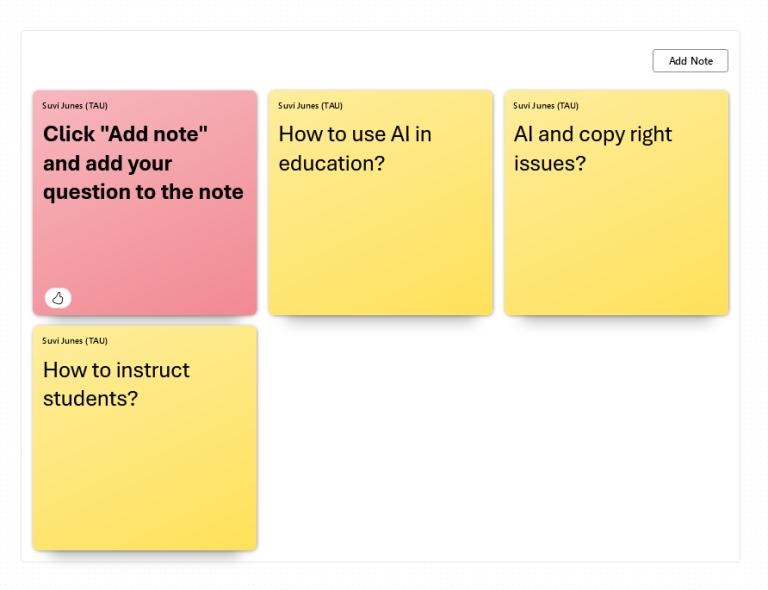
M365 Whiteboard: Note grid encourages interaction during meetings and learning events

29.11.2024
  • O365
  • Teamwork and collaboration
Whiteboard

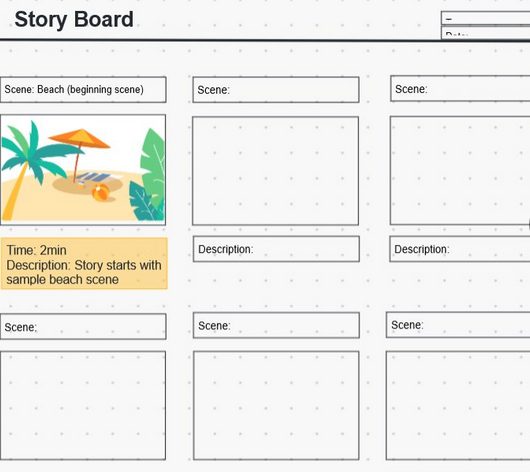
Whiteboards and collaboration tools

19.11.2024
  • O365
  • Others
  • Teamwork and collaboration
AI assignment

Teams Class: Using AI to Create Assignments

5.11.2024
  • Artificial intelligence
  • Learning activities and assessment
  • O365
bookings

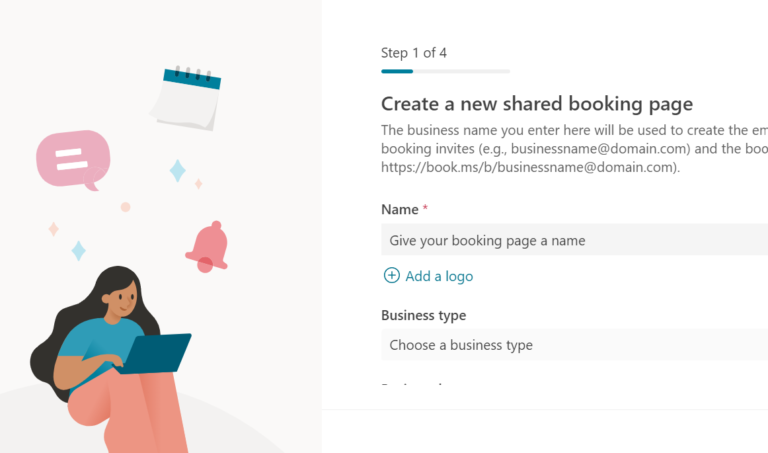
Bookings: Creating a shared booking page

16.10.2024
  • O365
  • Tips to support your work
smartphone

Onenote: Capture notes and photos with your phone

12.6.2024
  • O365
  • Tips to support your work
loop logo

Loop Workspaces

17.5.2024
  • O365
  • Teamwork and collaboration
  • Tips to support your work

Contact

IT services
Tampere University
Suvi Junes
suvi.junes@tuni.fi


Description

The Digital Toolkit is a practical resource that offers you information and advice for using a variety of digital tools for teaching, learning and work-related purposes. This website focuses on the tools used in Tampere Universities.

  • facebook
  • Subscribe to the RSS feed
Back to top
To main site
  • Contact →
  • Data protection →
  • Accessibility evaluation report →
  • Cookie policy →