

Implementing podcast lectures is a light and flexible way to produce learning materials that are not tied to a specific time or place. A multi-episode series can be created efficiently in a short period using the tools provided by the Tampere higher education community. The finished episodes can also be utilised in future course sessions. This tip describes an example of how podcast lectures can be implemented.
In autumn 2025, podcast lectures were implemented instead of video lectures in the online version of TAMK’s Marketing and Organisational Communication course.
In course students were required to study independently the theoretical basics of marketing from a book, which was divided into six main chapters. For each chapter, a podcast episode of approximately 10–20 minutes was produced, serving as an introduction to that topic area.
The aim of the podcast lectures was to encourage students to make their own notes instead of relying on ready-made lecture slides, and to introduce a lecture element independent of time and place to a self-paced online course. The episodes are suitable for flexible listening, for example, alongside other everyday activities.
The structure of the podcast episodes was naturally formed based on the existing lecture slides. Recording was carried out in a home office using a headset with a microphone provided by the organization. The recording was made using the Sound Recorder app found on the computer via the Search field. Settings can be accessed via the three dots on the right edge, where you can choose the file format for the recording. Select a suitable mp3 or WAV format for the audio file. You can also name the recording and view its storage location via the three dots.
The recording was done slide by slide: the correct slide was opened, recording began, and at the end of the slide a short pause was taken to prepare for the content of the next slide.
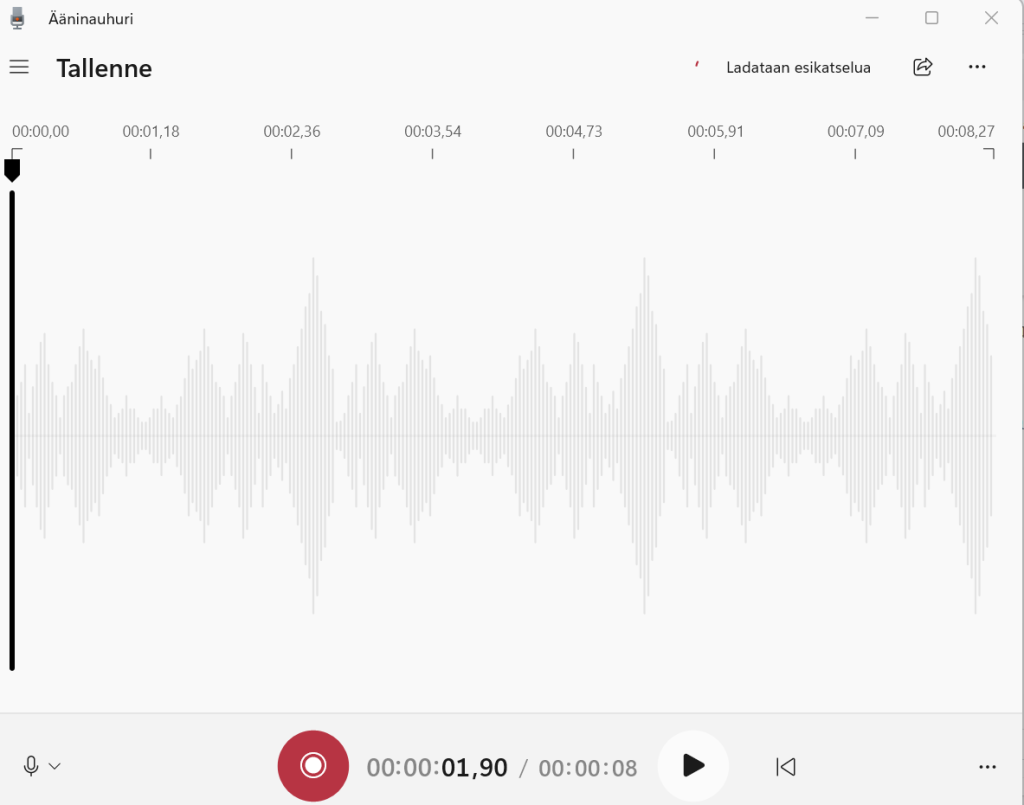
Brief thinking and transition pauses between slides made it possible so that the finished audio file did not need to be edited afterwards or rerecorded.
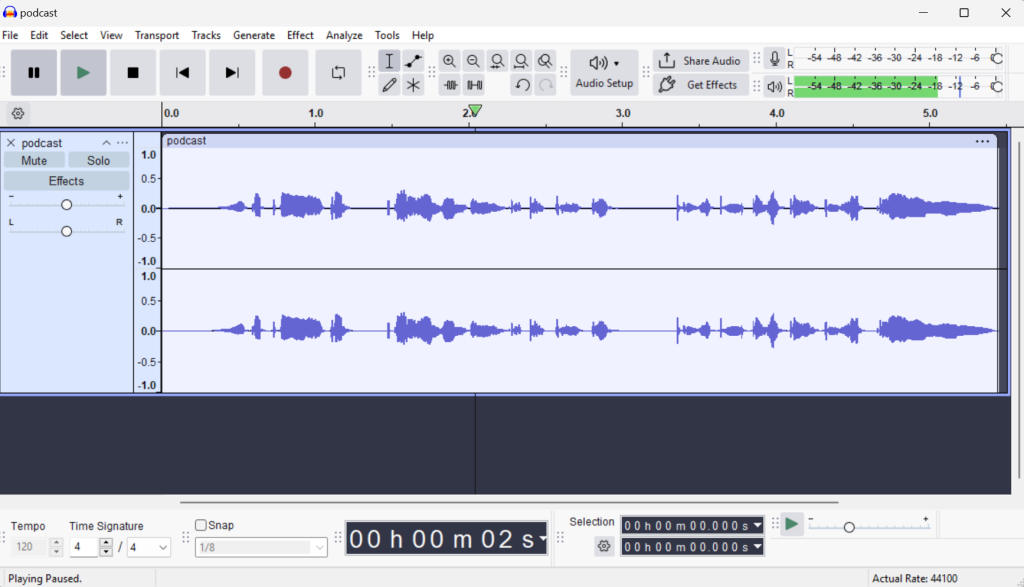
The editing of the episode was carried out using the free Audacity programme, which can be installed on organisational computers. If you don’t have the programme on your computer, you can download it from the Software Center which is found by typing in the computer’s search field. (VPN must be enabled or you must be connected to the campus network).
Audio files are imported into the programme using the File – Import Audio function, and the finished episode is exported via File – Export Audio – Export to Computer. The default suggested WAV format is compatible with the Panopto system. In addition, you can add introductory or closing music if you wish.
The finished audio file was saved onto the computer and then uploaded to the course’s Panopto folder. To embed the episode in Moodle, Share – Embed was selected from Panopto’s three-dot menu and the options Enable Watch in Panopto and Show logo were deselected. The player height was set to 50 pixels so that the player visually resembled an audio file rather than a video.
Read more
Panopto service instructions (intranet)
Tip: Podcasts in educational use
Tip provided by: Miina Kivelä, Senior Lecturer in Digital Marketing, Business and Media
Original publication, from which this tip has been adapted with the author’s permission: TAMKblog: Podcast-luennon tekeminen verkko-opintojaksolle – kokemuksia ja vinkkejä