

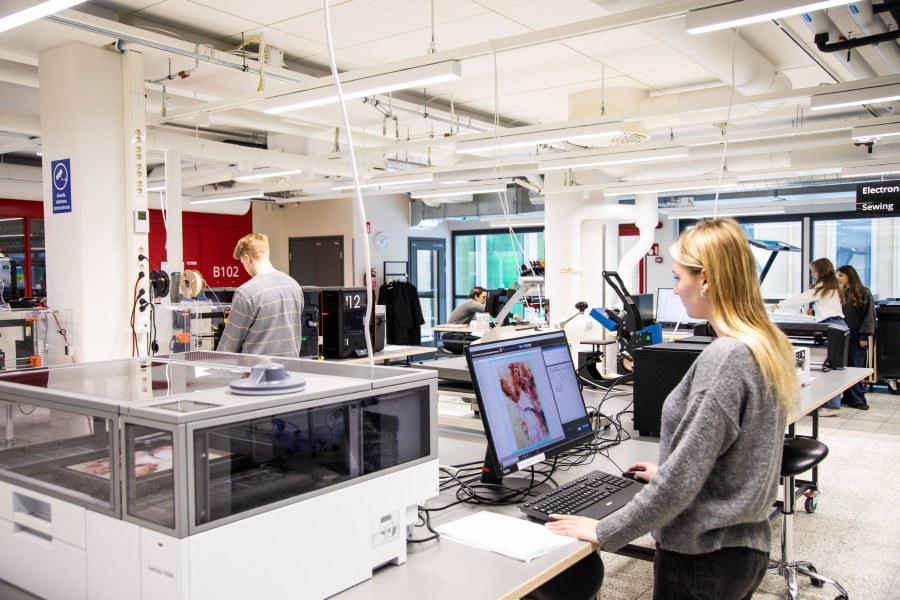
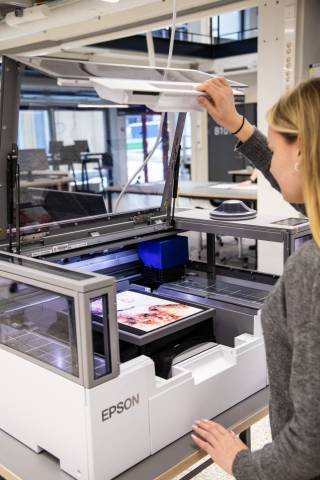
DTG & DTFilm hybrid printer, Epson SureColor F1000
Print area: 254×305 mm
The printer can be used to print directly on cotton fabric (direct to garment) or on transfer film (direct to film) and then heat press images eg polyester.
Good file formats are JPEG, TIFF, PNG and BMP.
The printer uses Epson’s Garment Creator 2 program.
Before starting to work, read how to use the printer and how to press images to garment.
Before starting work, please read the FabLab’s instructions carefully for using the printer and printing process:
Printing on white cotton fabric
Printing colored fabrics (cotton and other fabrics)
There are two ways to print on colored cotton fabric: either print the image directly onto the fabric or use film. Of these two techniques, using film is the more reliable option.
Printing on colored cotton fabric
Printing on film (suitable for cotton and other fabrics)
See other instructions:
Tips for heat pressing
Manufacturer’s guide to Garment Creator 2 software (Epson)
Manufacturer’s instruction videos – Youtube